Add New Project
The following steps are describe how to create new Project
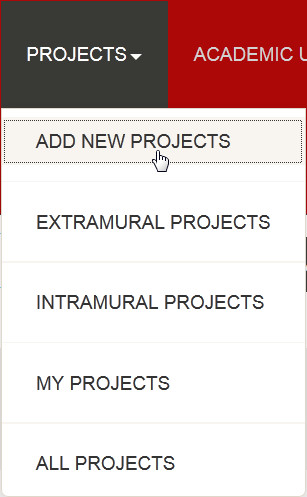
step 1. - Then click on the PROJECTS at the header of application, the drop down menu will open and you have to click on ADD NEW PROJECTS
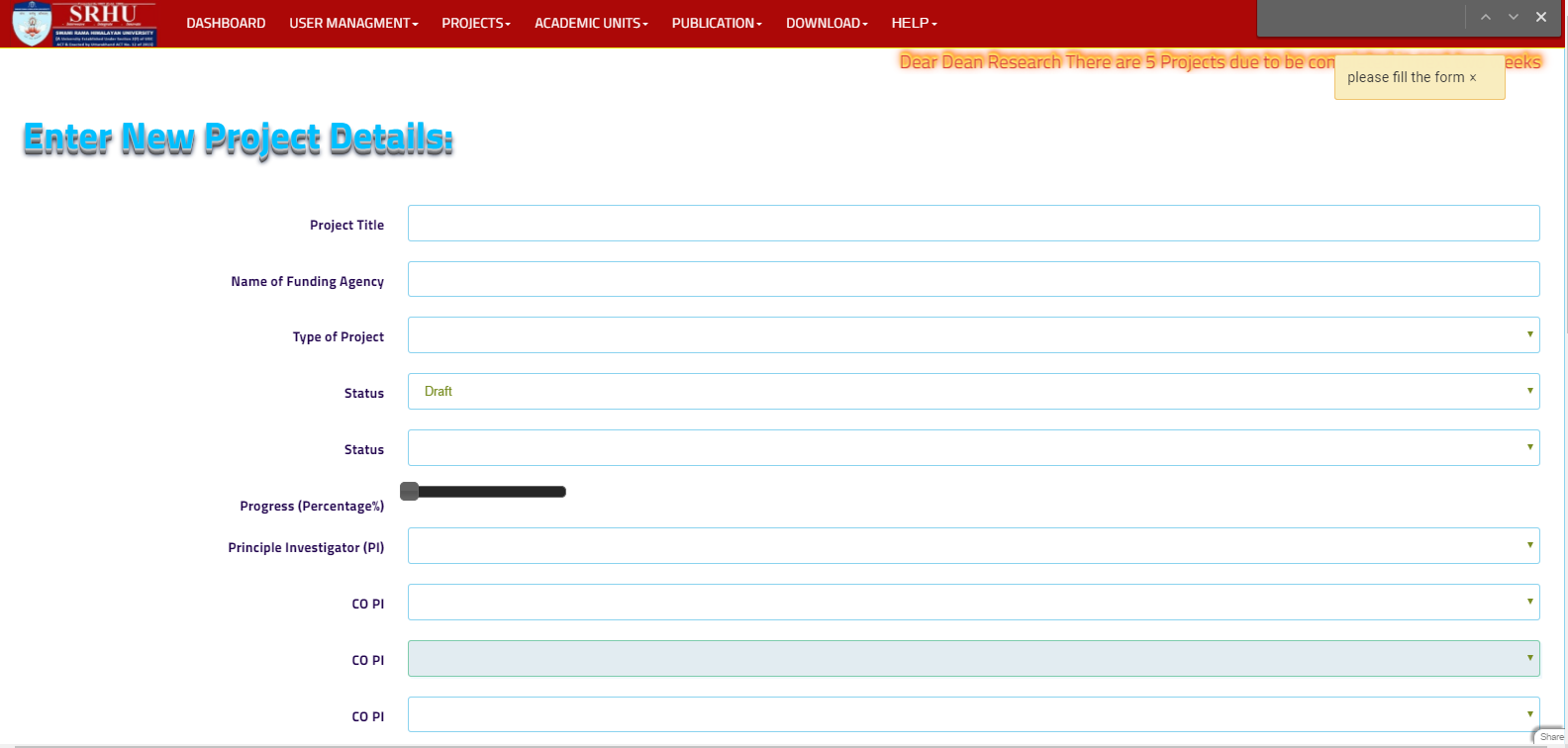
step 2. - The Add new projects form will open
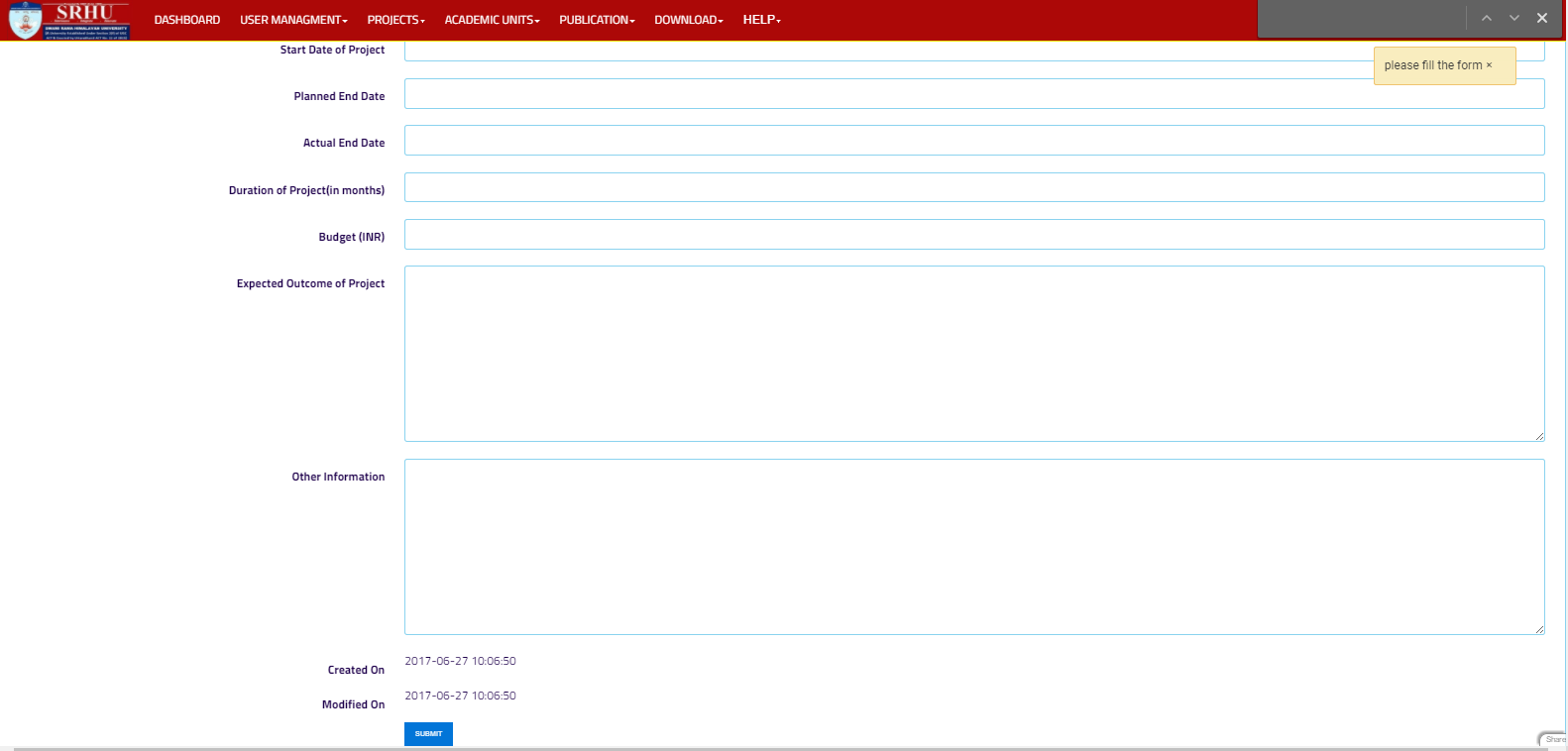
step 3. - press the submit button to create new project
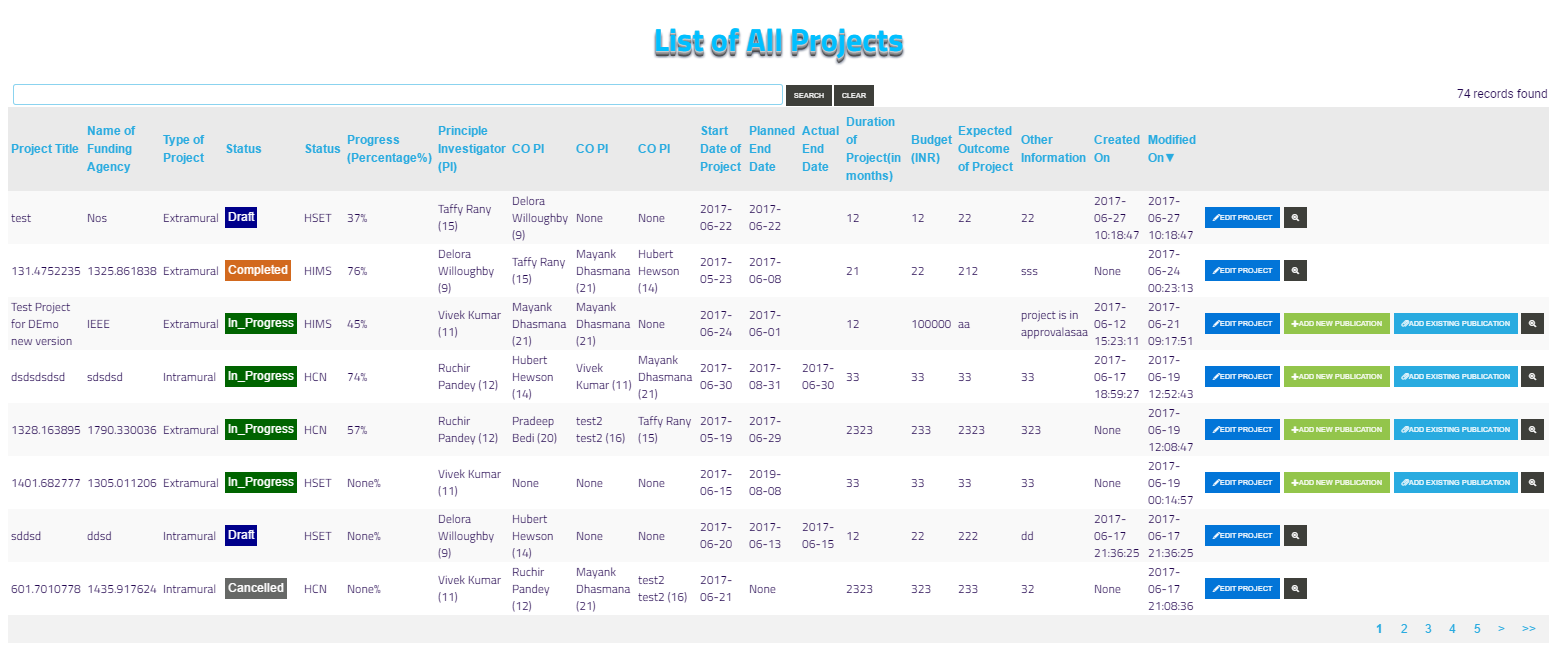
step 4. - after submit, you will be redirected to list of project and new project will appear on top